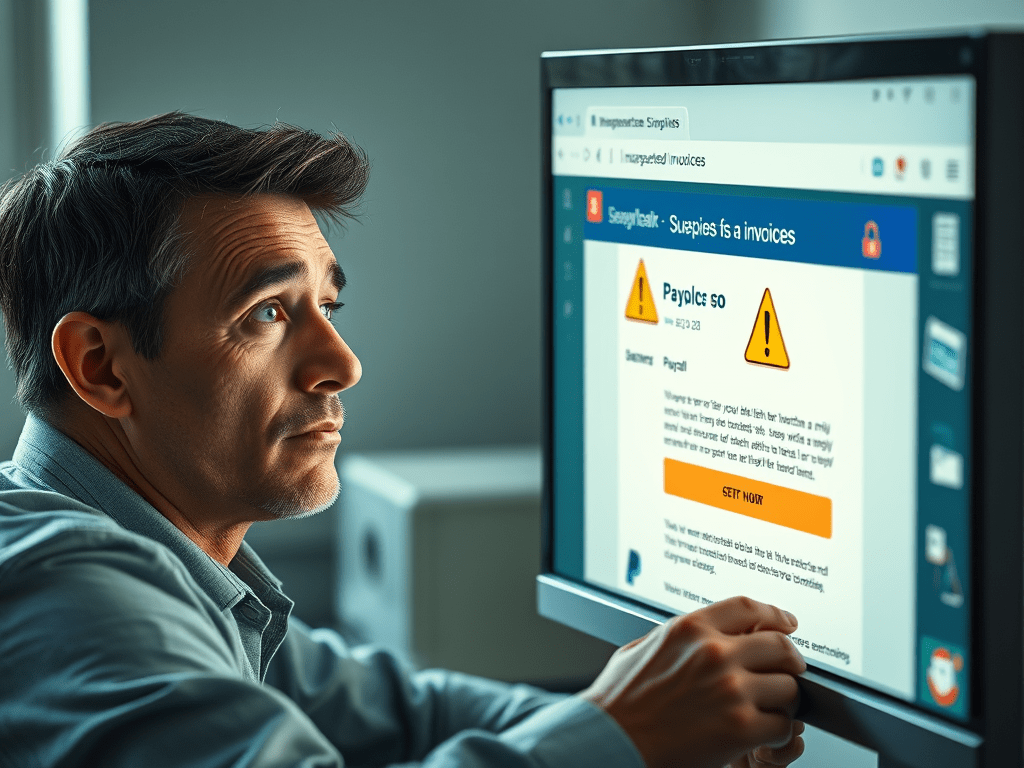
In recent times, there has been a surge in fraudulent emails impersonating reputable companies like Norton and PayPal. These phishing scams aim to deceive recipients into divulging personal information or making unauthorized payments. Understanding how these scams operate and knowing how to respond is crucial for safeguarding your personal and financial information.
Understanding the Scam
Scammers send emails that appear to be from trusted companies, notifying you of a recent purchase or subscription renewal you don’t recall authorizing. For instance, you might receive an email claiming you’ve purchased a Norton antivirus subscription via PayPal, complete with a fake invoice and a customer support number to call if you didn’t authorize the transaction. These emails are designed to prompt a quick reaction, leading you to contact the provided number or click on malicious links.
Red Flags to Identify Phishing Emails
- Unexpected Invoices or Receipts: Receiving an invoice for a product or service you didn’t purchase is a common tactic to incite panic and prompt immediate action.
- Urgent or Threatening Language: Phrases like “Immediate action required” or threats of account suspension pressure you into responding without due diligence.
- Generic Greetings: Legitimate companies usually address you by your name. Greetings like “Dear Customer” can indicate a mass-produced scam email.
- Suspicious Email Addresses: Check the sender’s email address for slight misspellings or unusual domains that mimic legitimate ones.
- Unsolicited Attachments or Links: Be wary of unexpected attachments or links, as they may contain malware or direct you to phishing sites.
Steps to Protect Yourself
- Do Not Engage: Avoid clicking on links, downloading attachments, or calling numbers provided in suspicious emails.
- Verify the Source: Contact the company directly using official contact information from their website to confirm the legitimacy of the email.
- Report the Email: Forward phishing emails to the legitimate company’s fraud department and to the Federal Trade Commission at reportphishing@apwg.org.
- Enable Security Measures: Use comprehensive security software to detect and block potential threats. For example, Norton 360 with LifeLock Select offers tools to help protect against scams and other cyber threats. Norton
- Monitor Financial Statements: Regularly review your bank and credit statements for unauthorized transactions.
What to Do If You’ve Fallen Victim
If you suspect you’ve provided personal information to scammers:
- Contact Your Bank: Inform your financial institution immediately to secure your accounts.
- Change Passwords: Update passwords for your online accounts, prioritizing those related to banking and email.
- Monitor for Identity Theft: Keep an eye on your credit reports and consider placing a fraud alert on your credit file.
Stay Informed
Phishing tactics continually evolve, making vigilance essential. Familiarize yourself with common scams and educate others to foster a community of awareness and prevention.
By recognizing the signs of phishing emails and responding appropriately, you can protect yourself and your personal information from cybercriminals.
 Concerned Citizen
Leave a comment